
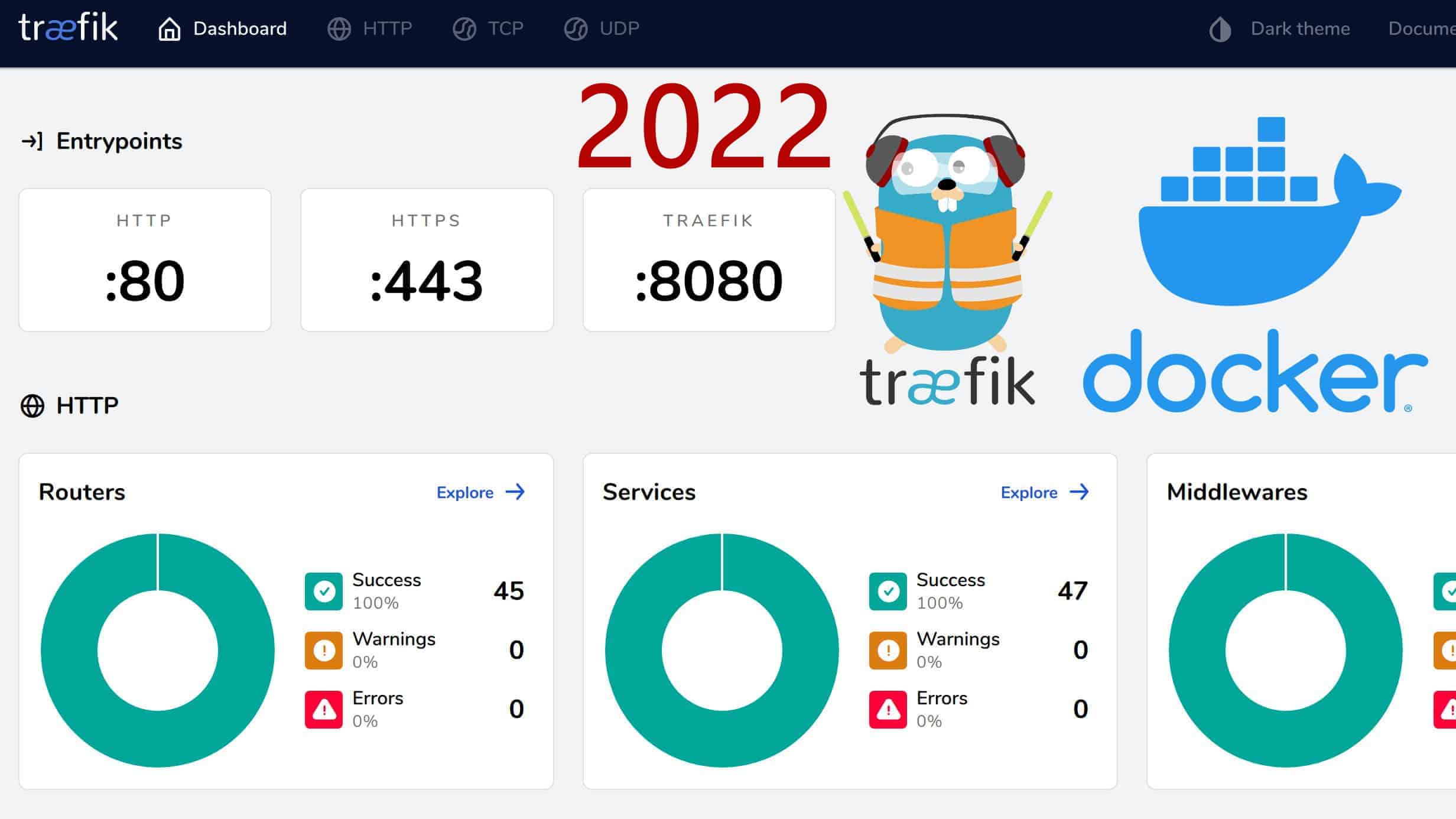
If you are manually editing Nginx config files every time you spin up a container, stop.
Traefik is a modern reverse proxy designed for microservices. It listens to the Docker socket. When you start a container, Traefik sees it, gets an SSL certificate, and routes traffic to it. Automatically.
The Setup
We need a docker-compose.yaml and a static config.
version: "3.3"

services:
  traefik:
    image: "traefik:v2.10"
    container_name: "traefik"
    command:
      - "--api.insecure=true"
      - "--providers.docker=true"
      - "--providers.docker.exposedbydefault=false"
      - "--entrypoints.web.address=:80"
      - "--entrypoints.websecure.address=:443"
      - "--certificatesresolvers.myresolver.acme.tlschallenge=true"
      - "--certificatesresolvers.myresolver.acme.email=your-email@example.com"
      - "--certificatesresolvers.myresolver.acme.storage=/letsencrypt/acme.json"
    ports:
      - "80:80"
      - "443:443"
      - "8080:8080"
    volumes:
      - "./letsencrypt:/letsencrypt"
      - "/var/run/docker.sock:/var/run/docker.sock:ro"

  whoami:
    image: "traefik/whoami"
    container_name: "simple-service"
    labels:
      - "traefik.enable=true"
      - "traefik.http.routers.whoami.rule=Host(`whoami.example.com`)"
      - "traefik.http.routers.whoami.entrypoints=websecure"
      - "traefik.http.routers.whoami.tls.certresolver=myresolver"
How It Works
- Providers: We tell Traefik to watch Docker (
--providers.docker=true). - Entrypoints: We open port 80 and 443.
- CertResolvers: We use Let's Encrypt (
acme) to get certs. - Labels: This is the magic. In the
whoamiservice, we just add labels. Traefik reads them and configures the route.
The Dashboard
Go to http://localhost:8080. You'll see a beautiful dashboard showing all your routes and services.
Traefik makes infrastructure invisible. That's how it should be.