
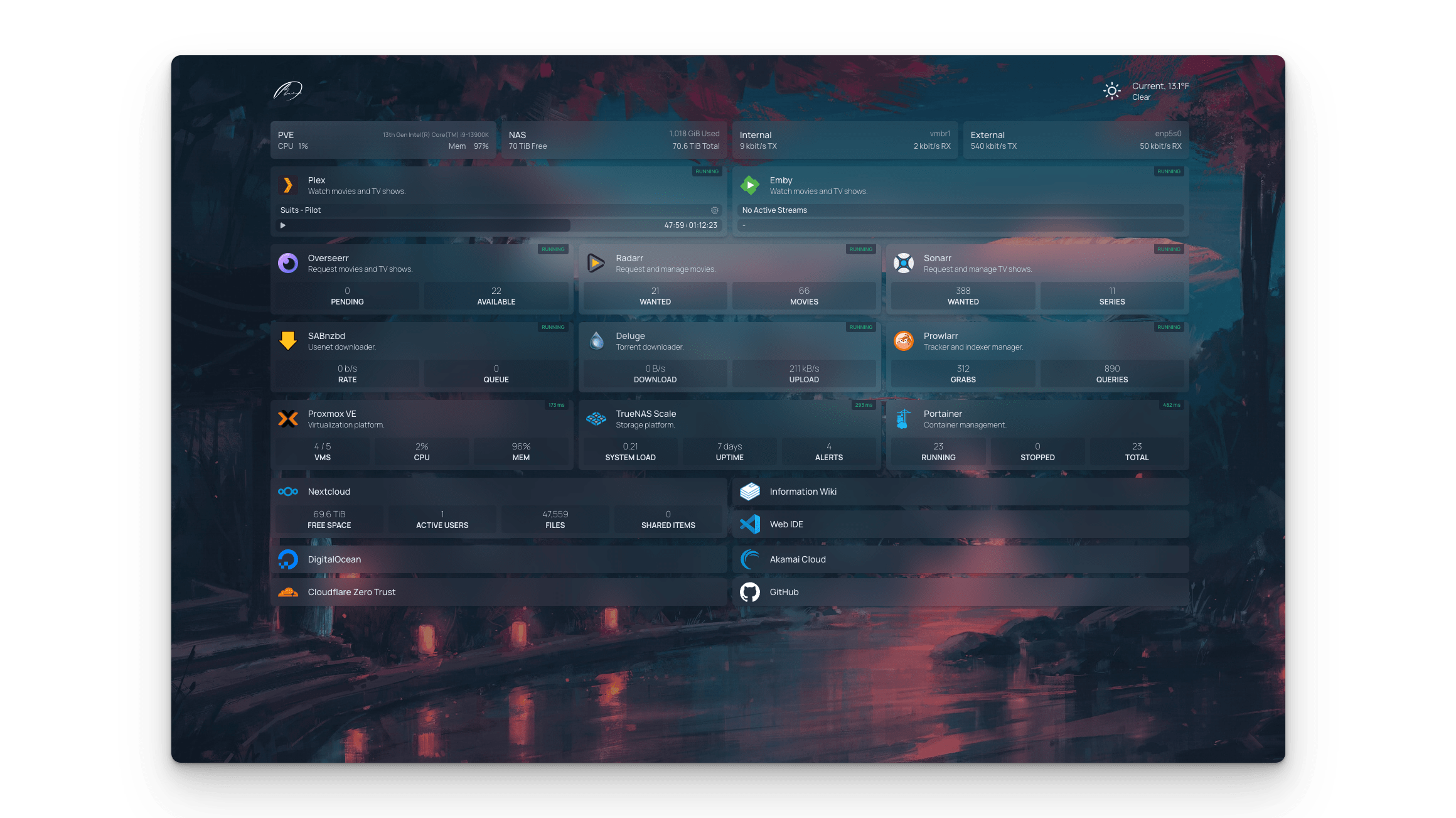
You have 20 containers running. Portainer is on port 9000, Grafana on 3000, Sonarr on 8989…
Stop memorizing ports. Use a dashboard.
Homepage (by gethomepage) is the best one right now. It's fast, looks amazing, and integrates with Docker, Traefik, Plex, and dozens of other services to show live stats (CPU usage, download speeds, etc.) directly on the cards.
The Setup
version: "3.3"
services:
  homepage:
    image: ghcr.io/gethomepage/homepage:latest
    container_name: homepage
    ports:
      - 3000:3000
    volumes:
      - ./config:/app/config
      - /var/run/docker.sock:/var/run/docker.sock:ro # For Docker integration
Configuration
Homepage is configured via YAML files in the ./config folder.
services.yaml:
- My First Group:
    - Sonarr:
        icon: sonarr.png
        href: http://sonarr:8989
        description: TV Shows
        widget:
            type: sonarr
            url: http://sonarr:8989
            key: your_api_key
It takes a bit of YAML tweaking, but the result is a stunning, functional control center for your entire infrastructure.